
 Tehmeesh •
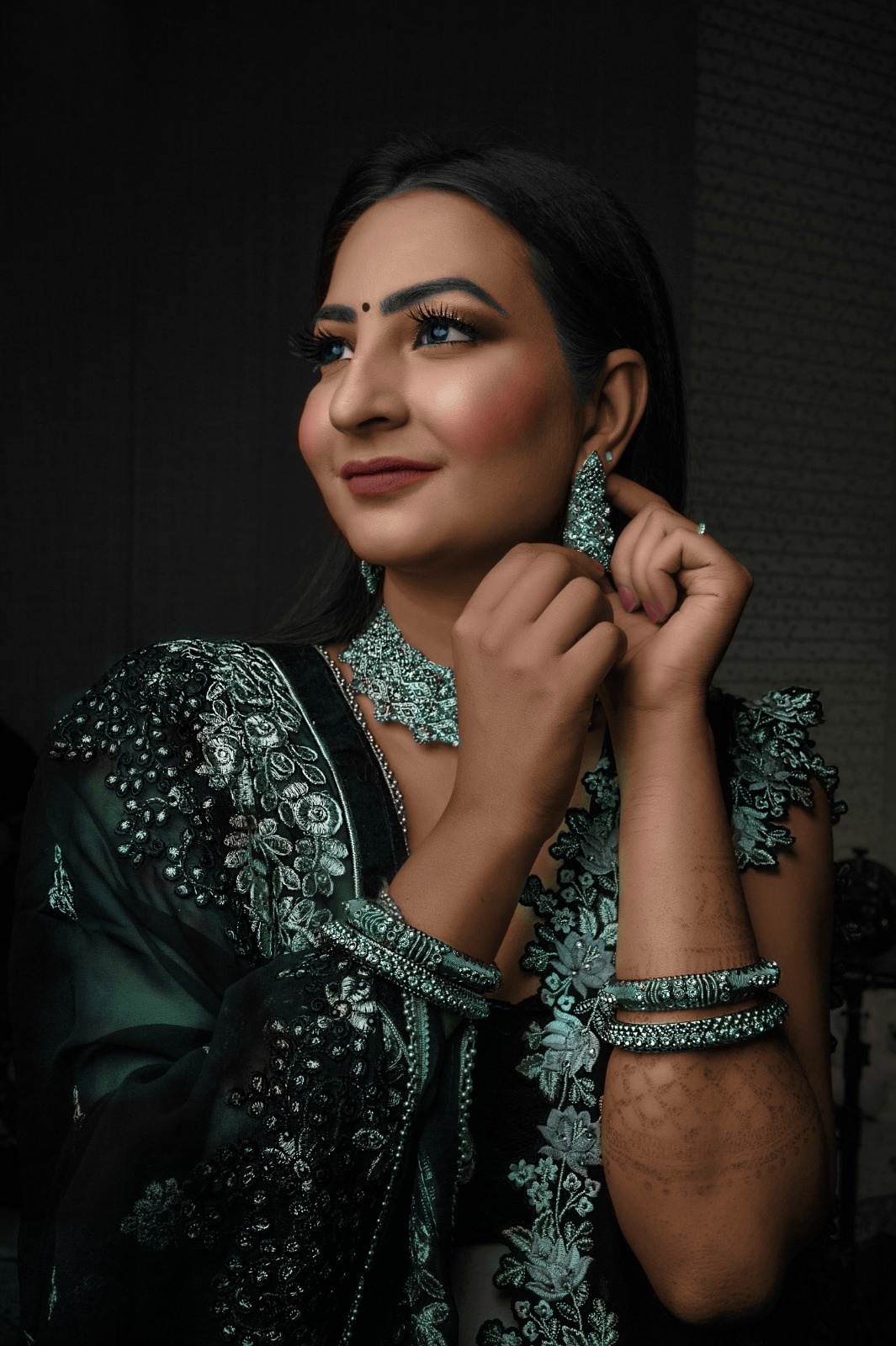
In this project, I transformed a black-and-white photograph into a color image using Adobe Photoshop. I began by working with the Adjustment Layer and Curves to set the base tones and contrast of the image. For the colorization process, I carefully selected tones that matched the traditional Indian skin tone, as the subject was an Indian bride.
I then proceeded to individually paint and enhance various features to bring the image to life:
Eyes: Added eye color to give depth and realism.
Lips: Applied a warm, natural tone to reflect traditional bridal makeup.
Blush: Lightly added blush to the cheeks to enhance the natural glow and bring warmth to the face.
Hair and Eyebrow : Colored to match a realistic and natural black shade.
Nail Paint: Applied a soft, subtle nail paint color to give a delicate and finished look to the hands.
Jewelry and Saree: Carefully matched the colors to typical Indian bridal wear, ensuring the saree and jewelry complemented each other and looked authentic.
Be the first to spread love with your comment on this post!